

In the fast-evolving world of gaming, broadcasting tools have become essential for both amateur streamers and professional gamers. These tools not only enhance the viewing experience but also help creators engage with their audiences in real-time. With platforms like Twitch and YouTube Gaming gaining immense popularity, understanding the right tools can make all the difference in building a successful channel.
From high-quality streaming software to advanced overlays and chat integrations, the right game broadcasting tools empower streamers to showcase their skills and personality. As the competition heats up, knowing which tools to use can elevate a stream from ordinary to extraordinary, attracting more viewers and fostering a loyal community. Exploring the best options available can set aspiring broadcasters on the path to success in this dynamic digital landscape.
Overview of Game Broadcasting Tools
Game broadcasting tools provide essential support for streamers, enhancing both the streaming experience and viewer engagement. Key categories of these tools include streaming software, overlays, chat integrations, and hardware options.
Streaming Software
Streaming software allows broadcasters to capture game footage and transmit it to platforms like Twitch or YouTube Gaming. Popular options include:
- OBS Studio: This open-source software offers advanced customization and supports multiple streaming formats.
- Streamlabs OBS: Known for its user-friendly interface, it integrates various features like alerts, overlays, and chat management.
- XSplit: This software focuses on ease of use with built-in features, catering to both novice and experienced streamers.
Overlays
Overlays enhance the visual appeal of streams by providing additional information and branding. Streamers can use overlays to display:
- Alerts: Notifications for new followers, subscribers, or donations create an engaging viewer experience.
- Chat Boxes: Incorporating real-time chat fosters interaction between the streamer and the audience.
- Branded Graphics: Custom logos and themes promote brand identity, contributing to a professional appearance.
Chat Integrations
Chat integrations facilitate real-time communication, essential for building community. Popular integrations include:
- Nightbot: This automated moderator helps manage chat commands and filters inappropriate content.
- StreamElements: This tool offers functionalities like polls and giveaways, increasing audience engagement.
- Discord: Many streamers utilize Discord to foster community discussions, enhancing viewer retention.
Hardware Options
Hardware plays a crucial role in broadcasting quality. Essential hardware includes:
- Capture Cards: Devices like Elgato HD60 S allow streamers to capture high-quality game footage from consoles.
- Microphones: High-definition microphones improve audio quality, making streams more enjoyable for viewers.
- Webcams: Quality webcams enable on-screen presence, helping build connection through face-to-face interaction.
By utilizing these tools effectively, broadcasters can enhance their streaming quality, ensuring an engaging and professional experience for their audience.
Key Features to Consider
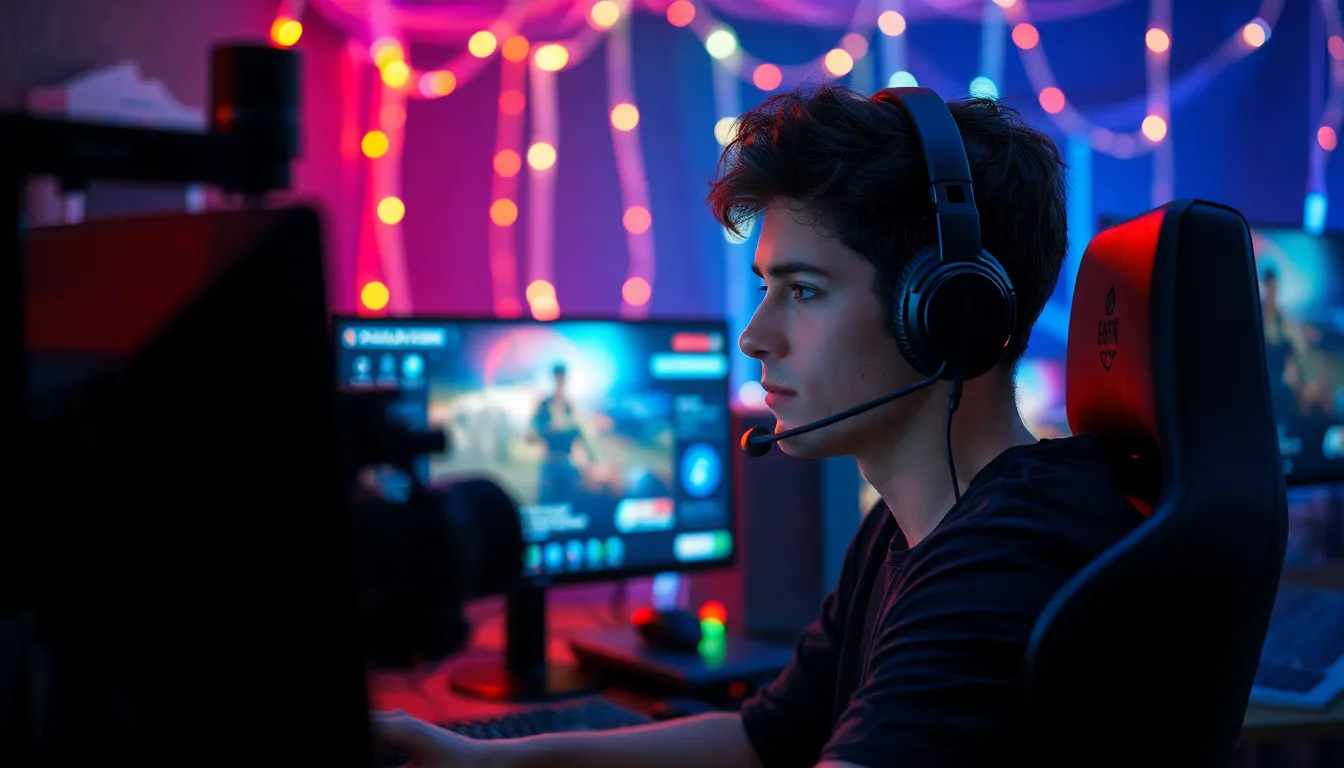
When selecting game broadcasting tools, several key features significantly enhance the streaming experience and viewer engagement. Understanding these features helps broadcasters choose the right tools for their needs.
Streaming Quality
Streaming quality remains paramount for broadcasters aiming to engage viewers. Tools should support high-definition video and high frame rates, ensuring smooth playback. Features like hardware acceleration enhance performance, minimizing lag during live streams. Additionally, adaptive bitrate streaming adjusts video quality based on the viewer’s internet speed, providing a consistent experience for all audiences. Look for tools that offer encoding options like H.264 for optimal video quality at lower bandwidth usage.
User Interface
A user-friendly interface simplifies the broadcasting process, making it accessible for both experienced and novice streamers. Intuitive layouts allow for quick adjustments to settings, reducing setup time before going live. Customizable dashboards help broadcasters monitor performance metrics easily, such as viewer count and chat activity. Tools with drag-and-drop features facilitate the addition of overlays and alerts, enhancing the overall production value without a steep learning curve.
Integration with Platforms
Seamless integration with popular streaming platforms is essential for successful broadcasts. Tools should support direct connections to platforms like Twitch, YouTube Gaming, and Facebook Gaming, allowing for easy chat management and audience interaction. Streamlining login processes and enabling multi-platform streaming maximizes reach and engagement. Features such as cloud-based storage offer easy access to past broadcasts and highlight reels, allowing for efficient content repurposing and marketing strategies.
Popular Game Broadcasting Tools
Several game broadcasting tools enhance streaming quality and audience engagement. Below are some of the most popular options used by broadcasters.
Tool 1: OBS Studio Overview and Features
OBS Studio, or Open Broadcaster Software, is a free and open-source streaming software widely used by gamers. It offers customizable scenes, allowing broadcasters to switch between multiple video sources with ease. Key features include:
- Real-Time Video and Audio Mixing: Mix different sources effortlessly for a polished output.
- High Definition: Supports resolutions up to 4K for stunning visual clarity.
- Modular Interface: Users can customize layouts and utilize a wide range of plugins for additional functionality.
- Multi-Platform Streaming: Broadcast to multiple platforms, including Twitch and YouTube, simultaneously.
Tool 2: Streamlabs OBS Overview and Features
Streamlabs OBS combines the functionality of OBS Studio with user-friendly enhancements. Designed primarily for streamers, it simplifies the streaming process. Key features include:
- Integrated Alerts: Automated alerts for new followers, donations, and subscriptions to keep viewers engaged.
- Themes and Overlays: Pre-built templates and overlays enhance aesthetic appeal without requiring design skills.
- Chat Integration: In-app chat allows broadcasters to communicate seamlessly with their audience during streams.
- Donations and Monetization Tools: Built-in tools facilitate receiving donations directly during broadcasts.
Tool 3: XSplit Overview and Features
XSplit is a versatile broadcasting software suitable for both casual and professional streamers. It offers advanced features tailored for gaming broadcasts. Key features include:
- Scene Transitions: Smooth transitions between scenes enhance visual flow.
- High-Quality Encoding: Supports hardware encoding for improved performance during live streaming.
- Game Capture: Effortlessly captures gameplay footage with minimal impact on performance.
- Collaboration Features: Enables multiple broadcasters to share a stream, fostering collaborative gaming experiences.
By choosing the right broadcasting tools such as OBS Studio, Streamlabs OBS, and XSplit, streamers can significantly enhance their viewing experience and audience engagement.
Tips for Effective Game Broadcasting
Effective game broadcasting requires careful preparation and engagement strategies to enhance the viewer experience.
Preparing Your Setup
Setting up for a broadcast involves multiple elements. Choosing the right location is crucial; it should be quiet and well-lit. Establishing high-quality hardware, including a powerful PC, reliable capture card, good webcam, and a clear microphone, ensures a professional stream. Configuring streaming software with optimized settings for video resolution and bitrate is essential for reducing lag. Testing the setup before going live is important; it allows the broadcaster to troubleshoot potential issues. Creating a checklist, including internet connection stability and sound levels, helps streamline the process.
Engaging with Your Audience
Audience engagement significantly impacts a broadcast’s success. Interacting with viewers through chat keeps them invested and encourages participation. Acknowledging viewer comments and questions during the stream fosters a sense of community. Using overlays to display chat messages makes interactions more visible. Hosting giveaways or special events adds excitement and draws in more viewers. Ensuring consistent streaming schedules builds reliability; it allows audiences to anticipate when they can tune in. Implementing social media strategies, such as sharing highlights and engaging with followers outside of broadcasts, further strengthens the connection with the audience.
Game broadcasting tools are essential for anyone looking to make an impact in the gaming world. By leveraging the right software and hardware, streamers can create high-quality broadcasts that captivate their audience. The combination of effective overlays, chat integrations, and reliable streaming software enhances viewer engagement and fosters a strong community.
As the gaming landscape continues to evolve, staying updated on the latest tools and techniques will ensure broadcasters remain competitive. With the right preparation and audience interaction strategies, anyone can elevate their streaming experience and build a loyal following. Embracing these tools not only improves the quality of broadcasts but also enriches the overall experience for both streamers and viewers alike.