

In the world of gaming, a good frame rate can mean the difference between a triumphant victory and a spectacular faceplant. Imagine trying to shoot that pesky enemy while your screen stutters like a toddler on roller skates. Frustrating, right? Understanding what constitutes a good FPS (frames per second) is crucial for gamers who want to elevate their gameplay and leave their opponents in the dust.
Understanding FPS in Gaming
FPS, or frames per second, refers to the number of individual frames displayed by a game each second. This measurement directly impacts gameplay fluidity and visual experience.
What Is FPS?
FPS measures how smoothly a game runs. Higher FPS indicates more frames per second, resulting in faster updates and smoother motion on screen. Games often run at 30, 60, or 144 FPS. Most players find 60 FPS optimal for most titles, ensuring a responsive feel during gameplay. Watching frames on a screen can sometimes help players identify performance issues. Lower FPS, like 30, may lead to lag and choppy movements, affecting overall immersion.
Importance of FPS in Gaming
FPS plays a critical role in competitive and casual gaming alike. Higher FPS enhances player reaction times, especially in fast-paced games like first-person shooters. Many gamers perceive rates above 60 FPS as smoother and more enjoyable. Smooth frame rates reduce motion blur, creating a clearer visual experience. Low FPS can result in frustrating gameplay, making precise movements more challenging. Understanding FPS allows gamers to make informed decisions about hardware upgrades to improve their overall experience.
Factors Affecting FPS
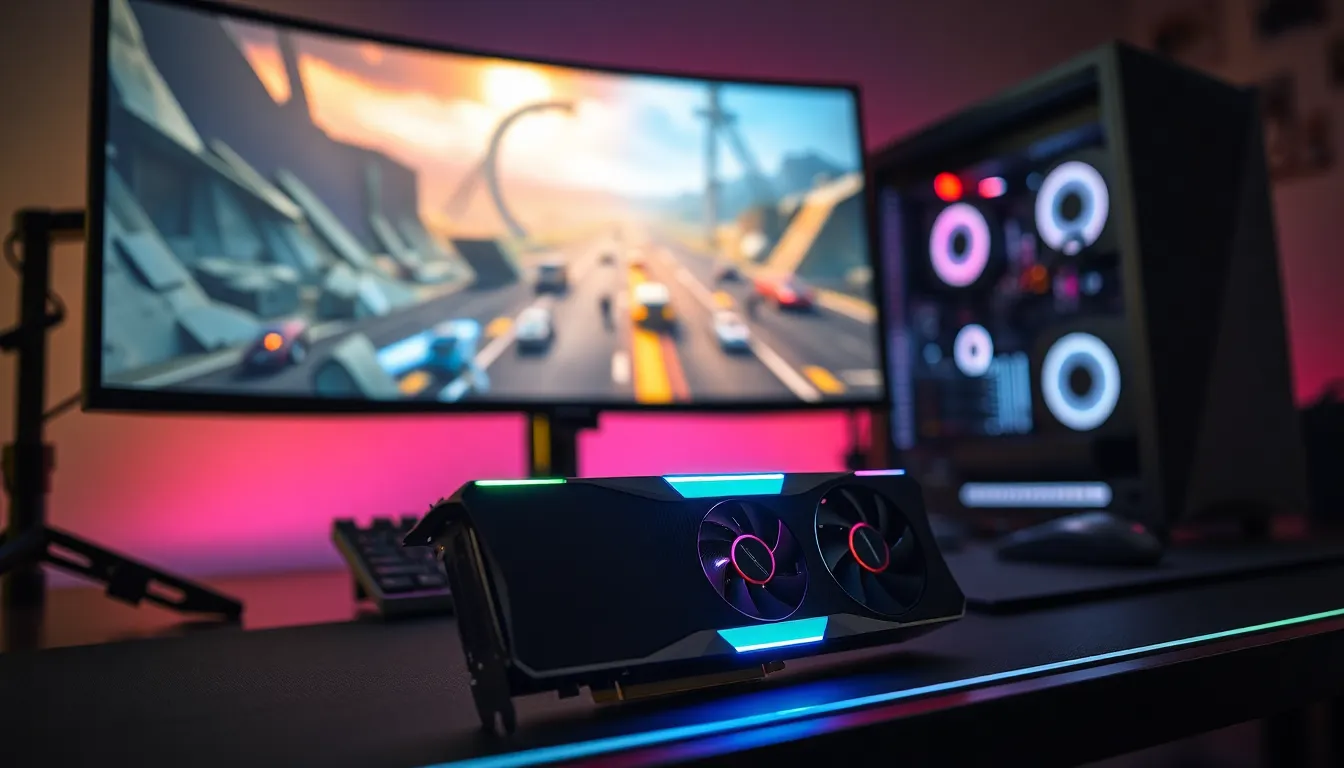
Numerous factors influence a game’s frame rate, impacting overall performance and enjoyment.
Hardware Specifications
Hardware specifications play a crucial role in determining FPS. A strong graphics card significantly enhances rendering capabilities, allowing for higher frame rates. CPU power matters as well, since it processes game logic and affects the frame output. RAM capacity can’t be ignored; insufficient memory can lead to stuttering during intense scenes. Gamers often benefit from SSDs instead of traditional hard drives, as SSDs improve load times and decrease lag. All these components interact, creating a balanced system for optimal gaming performance.
Game Optimization
Game optimization greatly affects FPS. Developers utilize patches and updates to enhance performance, addressing issues that can cause low frame rates. Adjusting in-game settings, such as texture quality and shadow details, also contributes to smoother gameplay. Lowering resolution can yield immediate improvements in FPS, making games more enjoyable without sacrificing essential visuals. Gamers may find also disabling background applications improves frame rates. Continuous exploration of options ensures an optimal gaming experience tailored to individual preferences.
Recommended FPS for Different Game Genres
FPS varies significantly across game genres, influencing gameplay quality and player experience. Understanding the recommended FPS for each genre helps gamers enhance their performance.
Fast-Paced Action Games
Fast-paced action games, such as first-person shooters and racing titles, benefit from higher FPS for optimal performance. Generally, aiming for 60 FPS provides a smooth experience, but many competitive players strive for 120 FPS or higher. Such frame rates ensure rapid reaction times and fluid animations, crucial for success in intense gameplay scenarios. Games like “Call of Duty” and “Counter-Strike” illustrate the importance of high FPS, as lower rates can lead to input lag and hinder precise aim. Players often notice an improvement in responsiveness and overall immersion when achieving 144 FPS, especially in eSports environments where milliseconds matter.
Strategy and RPG Games
Strategy and RPG games typically operate effectively at lower FPS compared to fast-paced genres. Aiming for 30 to 60 FPS usually suffices for a smooth experience, as these games emphasize decision-making over rapid reflexes. Titles like “Civilization” or “The Witcher” benefit from stable frame rates, allowing players to enjoy intricate graphics and detailed environments without distractions. Higher FPS, up to 60 or more, still enhances visual quality in expansive worlds, improving immersion without compromising gameplay mechanics. Players can prioritize performance settings for a balanced experience without the need for extremely high frame rates.
Monitoring and Improving FPS
Monitoring FPS ensures a smoother gaming experience. By utilizing specific tools, players can identify their current frame rate and make adjustments as needed.
Tools to Measure FPS
Many applications provide FPS measurement. Popular choices include Fraps, MSI Afterburner, and GeForce Experience. These tools display real-time FPS, giving players insights into performance fluctuations. Using built-in features in gaming platforms, such as Steam’s overlay, also allows players to track frame rates. When players know their FPS, they can pinpoint performance issues and optimize settings accordingly.
Tips to Boost FPS
Improving FPS involves several strategies. First, lowering in-game graphical settings, such as texture and shadow quality, can significantly enhance frame rates. Next, closing background applications frees up system resources, ensuring the game runs more smoothly. Updating graphics drivers frequently helps in accessing the latest performance enhancements. Overclocking the GPU, while requiring caution, can also push FPS higher. Finally, upgrading hardware components like the CPU or RAM often leads to substantial gains in performance. Each of these actions contributes to a more seamless gaming experience.
Achieving a good FPS is crucial for any gamer looking to enhance their performance and enjoyment. Understanding the specific FPS requirements for different genres can lead to better gameplay experiences. By focusing on hardware upgrades and game optimization strategies, players can significantly improve their frame rates.
Monitoring tools provide valuable insights into current performance and can help identify areas for improvement. Whether it’s a fast-paced shooter or a strategy game, optimizing FPS allows gamers to react swiftly and immerse themselves fully in their virtual worlds. Prioritizing these elements ensures a smoother and more engaging gaming journey.